
Medicare Scam Calls Surge Ahead of Open Enrollment
September 29, 2026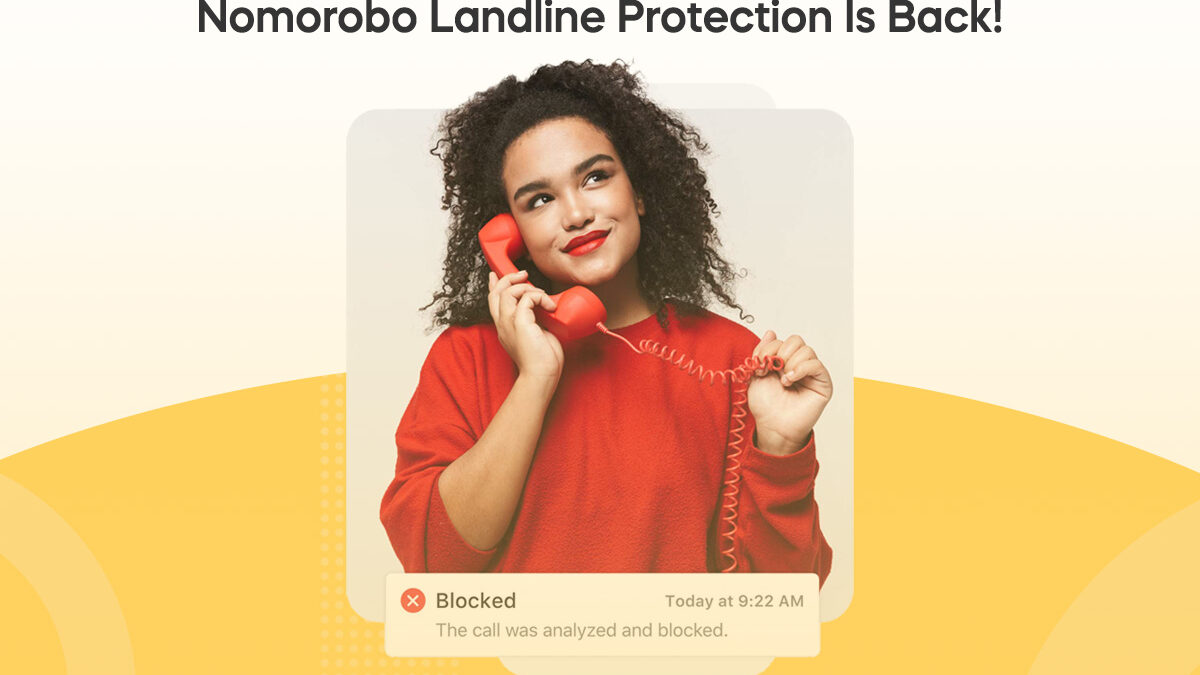
Nomorobo Landline Protection Is Back
On January 1, 2026, we stopped protecting landlines. Today we're happy to announce that we’re bringing it back, and this time it doesn't depend on your phone company.
If you used Nomorobo on a home phone before, your setup is probably still in place. You can log in and turn protection back on in a couple of minutes. If you've never used it, you can sign up the same way you always could.
Here's the full story.
Why we had to stop
For twelve years, Nomorobo landline protection was free to you because we paid for it. Verizon FiOS, Vonage, AT&T U-verse, and dozens of other VoIP providers listed us as a feature of their service, but the cost of protecting every one of those home phones sat with us, not with them.
That cost is real. Every protected landline needs a phone number on our side that rings at the same time yours does, plus the network that checks each call in a fraction of a second. Multiply that by more than two million lines and it adds up to a bill that grew every year. We asked the phone companies to help carry it. They chose not to.
We held on as long as we could. By late 2025 it was clear we couldn't keep funding the service ourselves, so we set a date, let everyone know, and switched it off on January 1.
What happened next
We expected some disappointment. We didn't expect the volume of mail we got.
Thousands of you wrote to tell us what the service had meant in your house. A lot of the messages were about parents and grandparents. Some were from people who had used Nomorobo since the FTC Robocall Challenge in 2013 and had never once thought about it, because it just worked. Many asked the same question in slightly different words: can we just pay you for it?
The honest answer at the time was that we didn't have a way to take your money. Landline protection had never been billed to anyone. We had no landline checkout, no subscription system for home phones, nothing.
So we built one.
What's different now
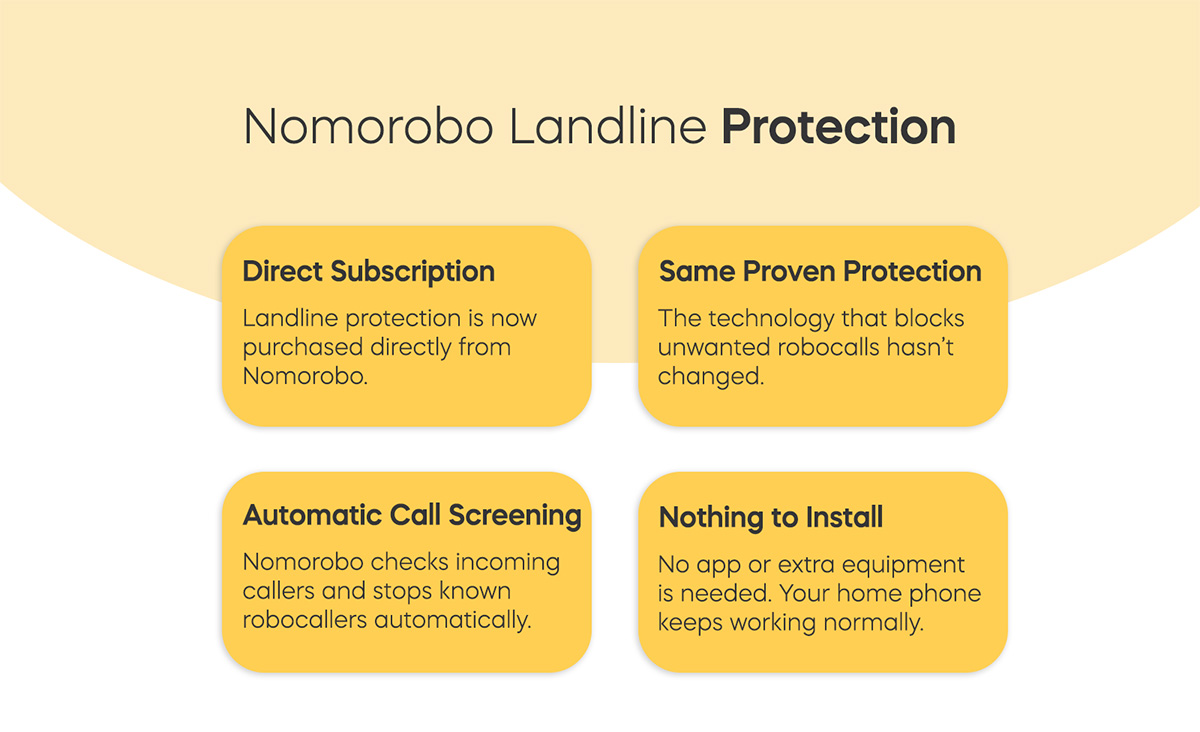
Landline protection is now a direct subscription between you and Nomorobo. It costs $39.99 a year for one phone line, or about $3.33 a month. Your phone company isn't involved in the billing at all, and you can cancel from your account at any time.
The protection itself hasn't changed. It's the same proven system that has stopped more than four billion robocalls since 2013:
- When your home phone rings, a Nomorobo number rings at the same time.
- We check the caller against our database of more than ten million known robocallers, which updates around the clock.
- If it's a robocaller, we answer on the first ring and hang up. Your phone goes quiet.
- If it's a real person, we do nothing, and your phone keeps ringing normally.
There's no app to install, no box to plug in, and nothing running on your phone. It works with any phone that plugs into a supported VoIP or digital voice line.
If you were a Nomorobo landline customer before
This is the part we most want you to know: your line is still likely pointed at us.
When service stopped in January, most people never went into their carrier settings to remove Nomorobo. Those calls have been arriving at our numbers all year. We just haven't been answering them.
So for most former customers, turning protection back on means:
- Log in at nomorobo.com/login with the email address you used before. If you've forgotten the password, there's a reset link.
- Choose Landline Protection for your phone number and complete the $39.99 checkout.
- Place the test call from your dashboard. If it works the way it used to, you're done.
If the test call doesn't go through, it usually means your carrier settings changed at some point. Your dashboard will show you the current Simultaneous Ring steps for your provider, the same way it always has.
If you switched phone companies
Log in, update the carrier on your phone number, and we'll tell you whether your new provider supports Simultaneous Ring before you pay. Most cable and VoIP digital voice services do. Traditional copper landlines from the phone company generally don't, and we still can't protect those.
If you're new to Nomorobo
Start at nomorobo.com/signup, pick "Internet / VoIP landline," and choose your provider. We'll walk you through adding our number to your Simultaneous Ring settings, which takes about five minutes in your carrier's online account. Then place the test call.
A few questions we've already been asked
Why $39.99? It covers the phone line on our side, the blocking network behind it, and support when you need it. It's less than our mobile Max plan, because a home phone doesn't need spam-text filtering or a call-screening app, and more than Basic, because every landline carries a real per-line cost that a mobile app doesn't.
Is there a discount for more than one line? Yes. Multi-line bundles are available at checkout, with options for 5, 10, 25, 50, and 100 lines. They’re designed for households, offices, property managers, and anyone managing multiple phones. Every line in the bundle receives the same level of protection.
I'm a Verizon FiOS customer. Does the old one-click setup still work? No. That shortcut is no longer available. FiOS still supports Simultaneous Ring, and the setup is the same one Vonage and Verizon Business customers have always used. Your dashboard has the steps.
Will this be free again if a phone company decides to pay for it? We're not planning around that. A direct subscription means the service depends on you and us, not on a phone company's budget, which is exactly the situation we want to avoid repeating.
What about my mobile phone? Landline protection covers home phones only. For iPhone and Android, Nomorobo Max blocks robocalls and spam texts on your mobile line and is a separate subscription.
Thank you
We know that asking you to pay for something that used to be free is not a small thing. We also know that a quiet home phone is worth something, especially in a house where the people answering it are the ones scammers target most.
If you were with us before, we'd be glad to have you back. Log in and turn it on.
The Nomorobo team