
Block Spam Texts on iPhone
Spam texts are one of the most common and fastest-growing forms of mobile fraud. From fake delivery alerts to bank impersonation scams and smishing attacks, SMS spam is designed to pressure users into clicking dangerous links.
Nomorobo’s spam text blocking solution helps block spam texts, scam messages, and SMS phishing on iPhone and Android by filtering unwanted messages before they interrupt you.


What is spam text blocking?
Spam text blocking is the process of automatically filtering unwanted SMS and MMS messages so they do not appear in your primary messaging inbox.
A spam text blocker helps users:
- Block spam texts from unknown senders
- Filter scam and phishing messages (smishing)
- Reduce junk and promotional SMS
- Avoid clicking malicious links sent via text
Spam text blocking works automatically in the background on supported devices.

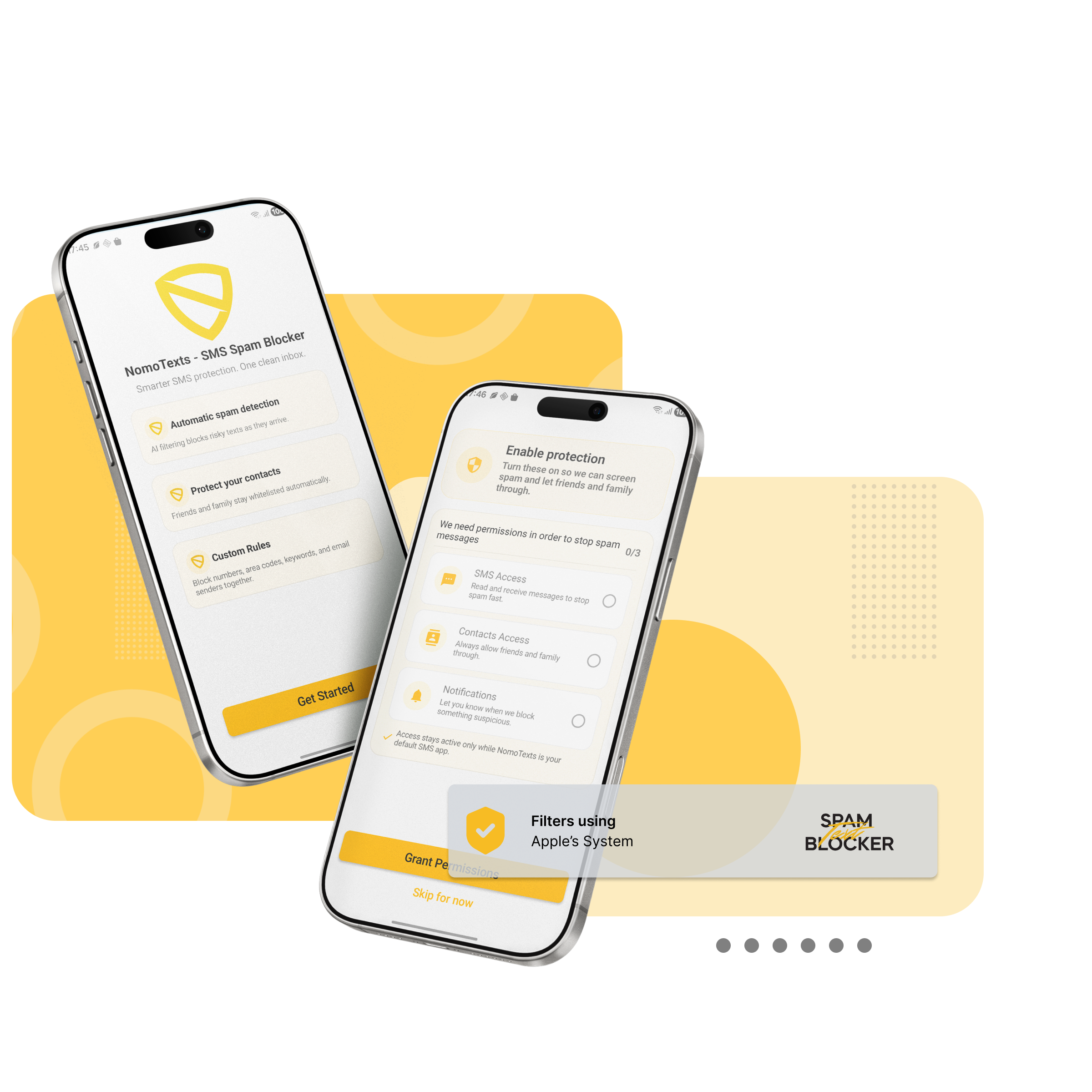
How to block spam texts on iPhone
On iPhone, spam text blocking works through Apple’s built-in message filtering system.
- Messages are analyzed when they arrive on your device
- Some messages may be evaluated using Apple’s message filtering services
- Messages are categorized as Allowed, Transactions, Promotions, or Junk
- Spam texts are filtered out of your primary inbox
Nomorobo’s spam text blocker works within Apple’s framework to help classify messages without accessing personal message content.
How to block spam texts on Android
On Android, spam text blocking works by identifying unwanted SMS messages and filtering them based on known spam and scam patterns.
- Messages are evaluated when received
- Spam and scam texts are flagged or filtered automatically
- Protection focuses on suspicious senders, links, and known scam behavior
This approach helps reduce junk messages and phishing attempts while keeping legitimate conversations accessible.
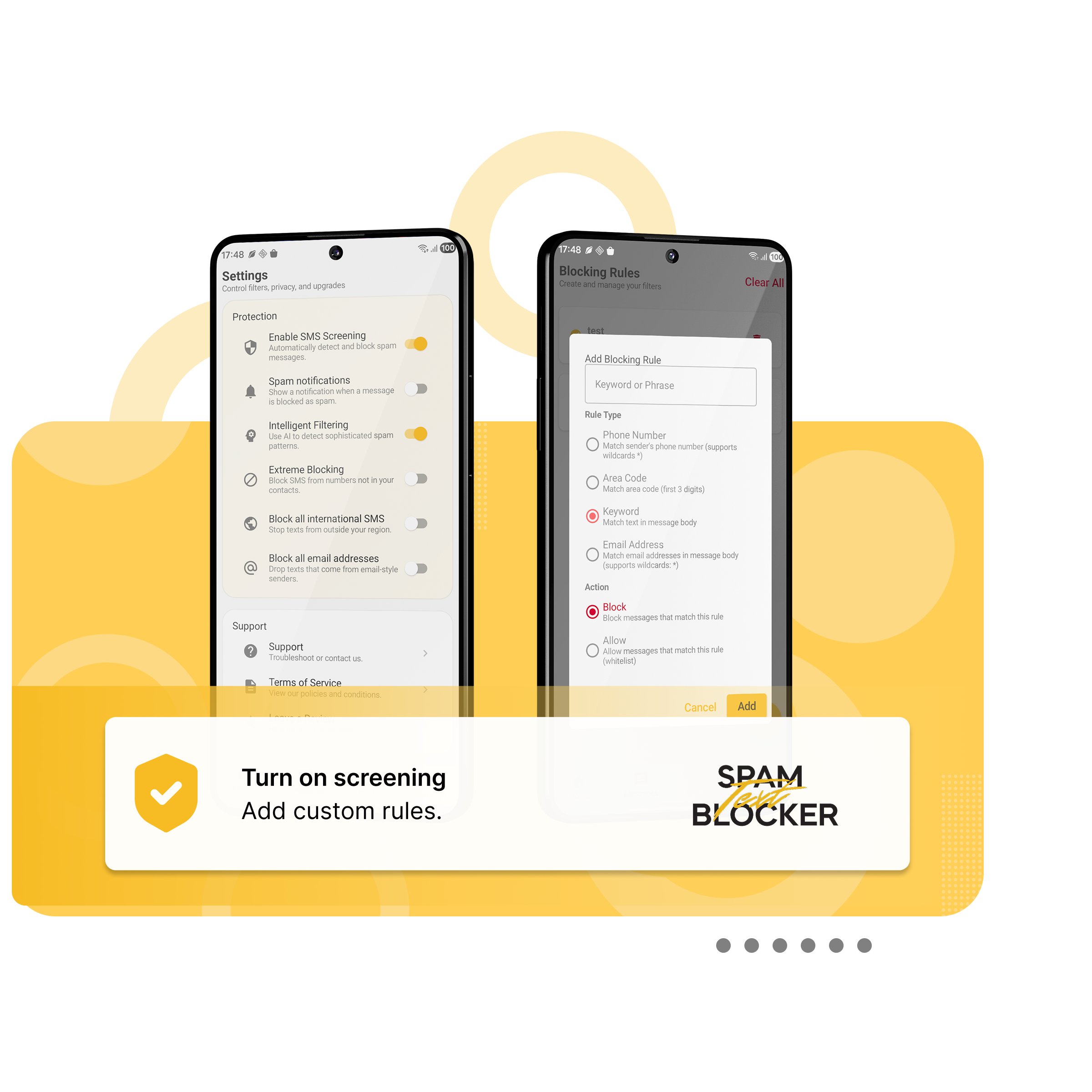
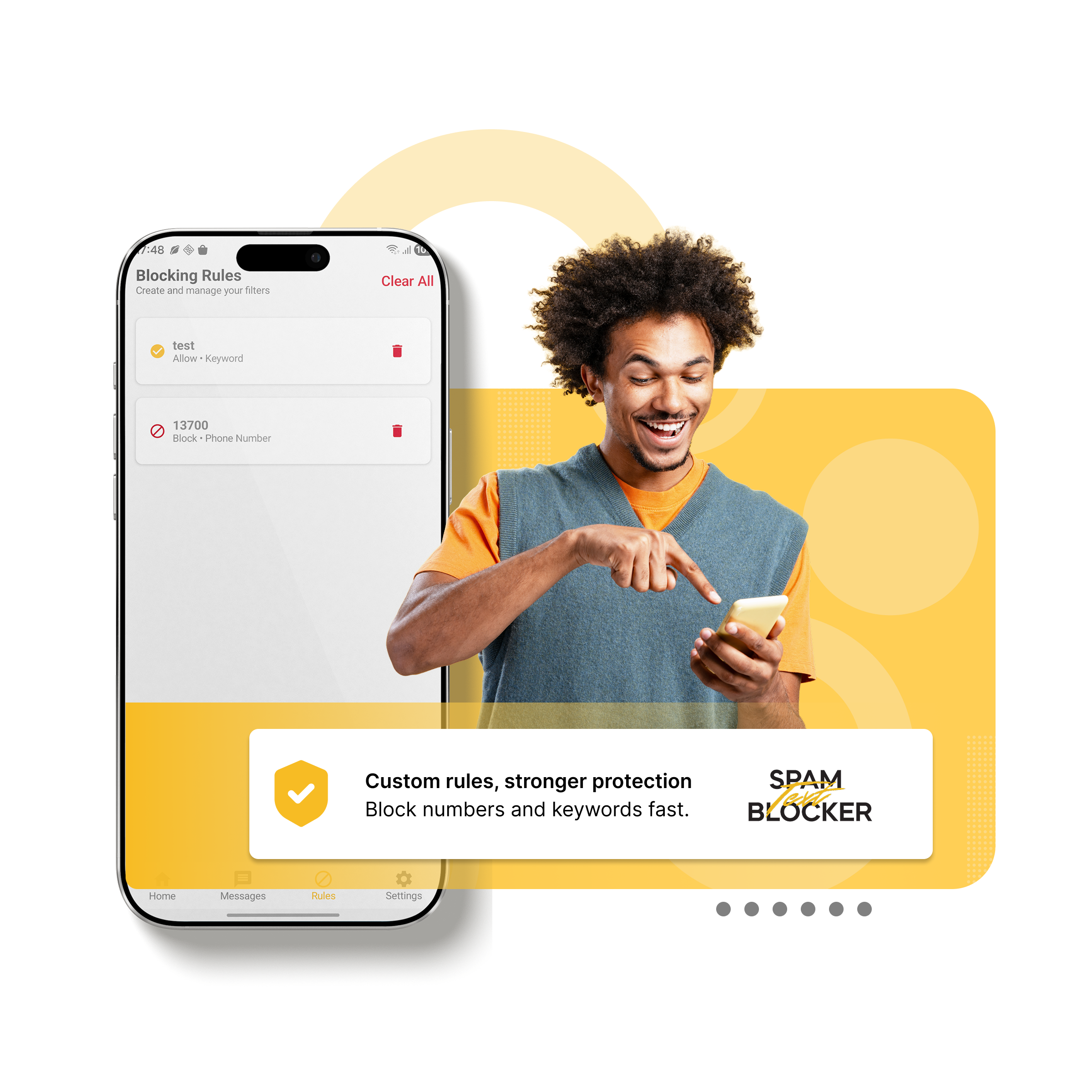
Best text blocker for scam and phishing protection
The best text blocker identifies patterns commonly used in scam and phishing texts across both platforms.
Effective SMS spam protection looks for:
- Suspicious or shortened links
- Urgent or threatening language
- Impersonation of banks, delivery services, or government agencies
- High-volume spam campaigns
Blocking these messages early reduces fraud risk and inbox clutter on iPhone.
Simple setup for blocking spam texts
Once enabled, spam texts are filtered automatically on supported devices.
If you need help, our support team is always available at support@nomorobo.com.

Types of spam texts you can block
Spam text blockers are designed to filter many common types of unwanted messages, including:
- Smishing attacks (SMS phishing scams)
- Fake package delivery texts
- Bank and payment impersonation messages
- IRS and government scam texts
- Promotional spam from unknown senders
- Messages containing suspicious or misleading links

Privacy-first SMS spam protection
Spam text blocking should protect users without collecting unnecessary data.
Nomorobo’s spam text blocking approach is designed to be privacy-focused:
- Message filtering begins on your device
- Platform-specific classification services may be used without personal identifiers
- No access to contacts, message history, or phone number
- Data is used only to improve spam detection accuracy
Stop Spam Texts Before You See Them
Price: $9.99 - one time purchase. No subscription required.
Install on iPhone
Install on Android
