
Nomorobo Takes Fraud Awareness Week by Storm
November 10, 2025
The Generous Lottery Winner Scam: Fake Millionaires
November 21, 2025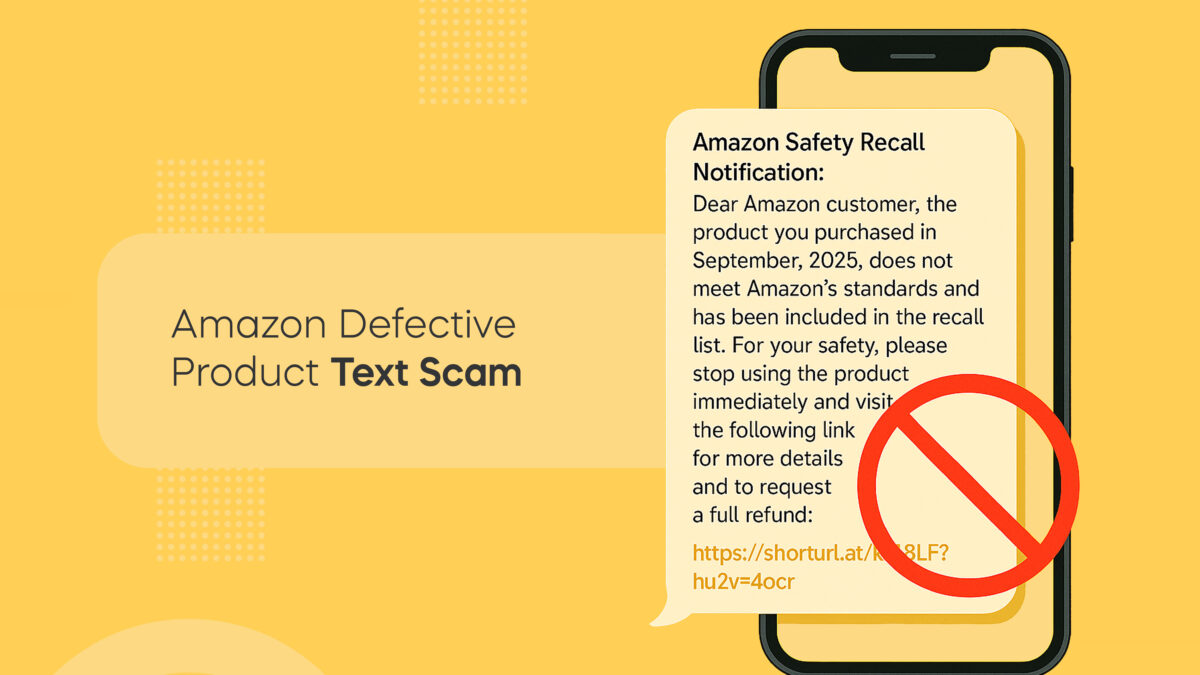
Watch and Learn
We’ve put together an in-depth video breaking down this exact scam so you can hear it, see how it works, and know how to respond.
If you prefer learning in video format, head over to our Fraud Fighters page. It’s packed with real-world scam examples and expert tips to help you stay one step ahead of the bad guys.
“Your recent Amazon purchase was defective.”
A message like that can make your heart skip a beat — but don’t panic, and definitely don’t click.
Scammers are impersonating Amazon’s security and safety teams to send fake recall notices. The goal? To get you to click a malicious link that steals your personal data or account credentials.
How the Amazon Defective Product Text Scam Works
It starts with a message like this:
“Dear Amazon customer, the product you purchased in September does not meet Amazon’s standards and has been recalled. Visit this link for a full refund.”
The text includes a convincing order number, date, and refund link — but it’s all fake.
When you click, you’re taken to a spoofed Amazon login page where scammers collect your username, password, and sometimes even credit card info.
They may also install tracking malware to monitor your activity or attempt to log in to your real account.
Why this Scam Is Dangerous
This scam plays on your trust in Amazon and your fear of unsafe products.
-
It looks official. The message mimics Amazon’s tone, layout, and formatting.
-
It uses urgency. Words like “immediately” and “safety recall” make you act fast.
-
It steals data. Once you log in through their fake link, scammers gain full access to your account — including saved payment methods and purchase history.
It’s a textbook phishing attack dressed up as a product safety alert.
How to Protect Yourself
Scammers count on quick reactions — they want you to panic, click, and hand over information before you have time to think. Slowing down and taking a few simple precautions can keep your Amazon account (and your wallet) safe.
-
Don’t click links in texts or emails. Amazon will never send unsolicited messages asking you to click a link to verify a purchase, claim a refund, or fix a problem.
-
Go directly to your account. If you’re unsure whether a message is real, open your browser, type amazon.com manually, and check your recent orders from there.
-
Delete suspicious texts immediately. Don’t reply, forward, or engage — doing so can confirm your number as active and lead to even more scam attempts.
-
Report the scam. Forward phishing texts to 7726 (SPAM) to alert your carrier, or report them directly through Amazon’s “Report Suspicious Communication” page.
A few seconds of caution can stop scammers in their tracks. Always verify through official channels — not the message sitting in your inbox.
Fraud Fighter Pro Tip
If you receive a text claiming to be from Amazon security about a recent purchase, don’t click the link - it’s a scam. Amazon will never text you out of the blue or ask you to verify a transaction through a link.
If you’re concerned about your account, delete the message and go directly to Amazon.com to check your recent orders and account status. Logging in through the official website is the safest way to make sure everything is in order.
Take Action
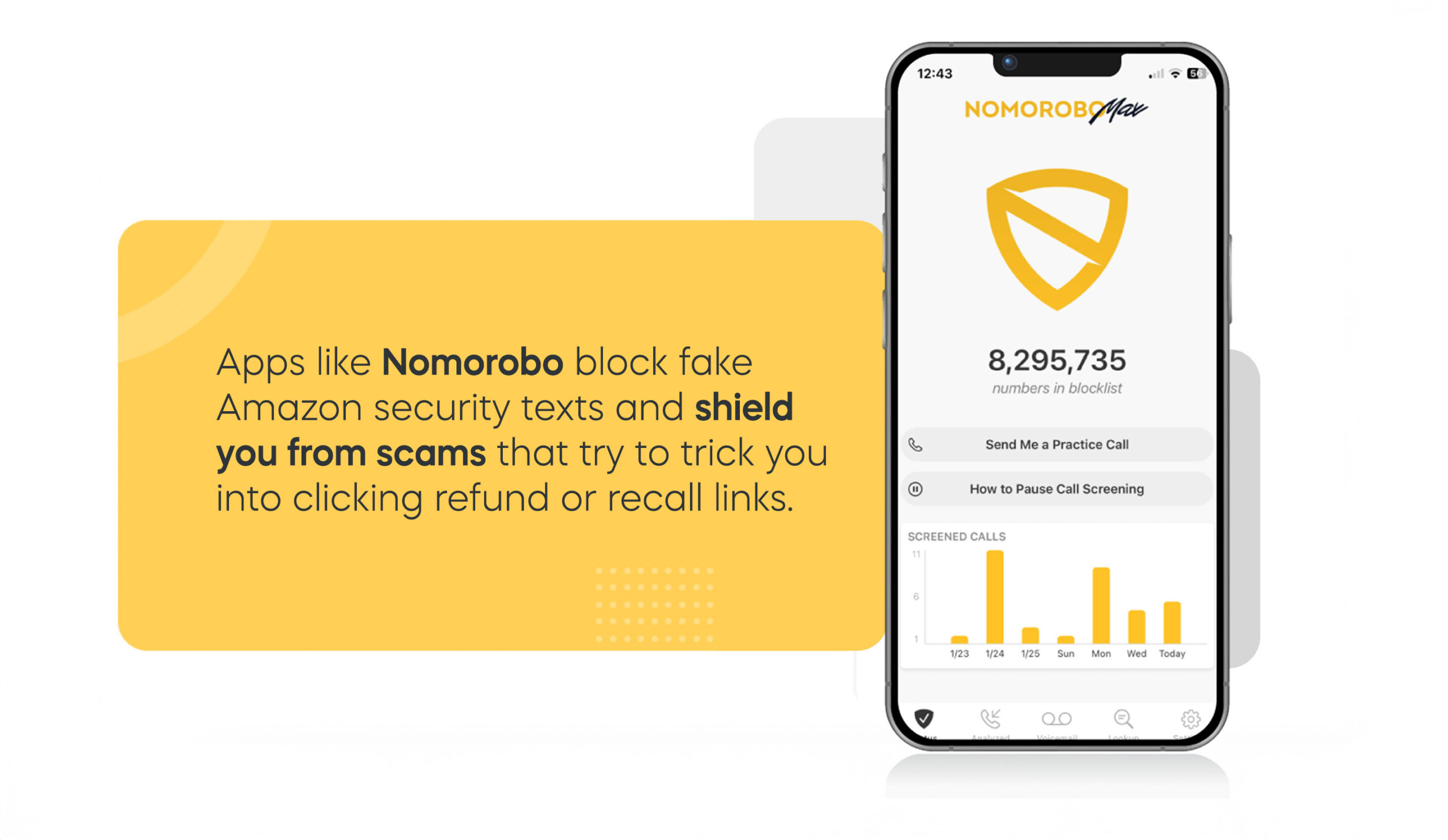
Nomorobo blocks the shady texts and robocalls that often accompany scams like that.
Stay ahead of fraudsters and protect your identity with Nomorobo today.